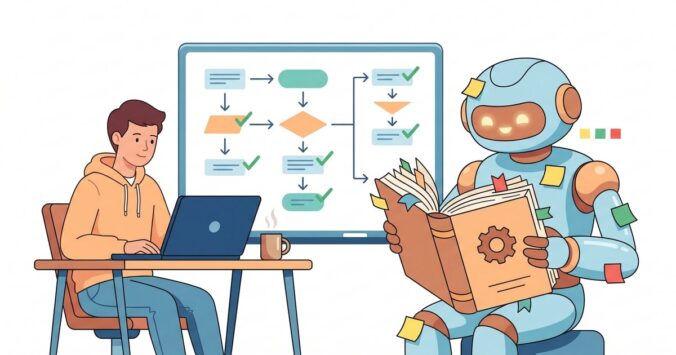
I’ve been using AI coding assistants for a while now. GitHub Copilot, ChatGPT, Cursor — you name it, I’ve tried it. They’re all impressive, but they all share the same frustrating problem: every conversation starts from zero. You explain your project structure, your conventions, your preferences… and next session, it’s all gone. You’re back to square one.
That changed when I started using Claude Code as my daily driver. Not because it’s magically smarter out of the box, but because I figured out how to make it learn. And I mean actually learn — remembering my patterns, following my conventions, and getting better at working with my codebase over time.
Here’s how I did it.
The Problem With AI Assistants
Most developers use AI assistants like a search engine with superpowers. You ask a question, you get an answer, you move on. Maybe you paste some code and ask it to refactor. That works fine for isolated tasks, but it falls apart when you’re working on a real project with real conventions.
Every time I started a new chat, I had to re-explain things: “We use Spring Boot 3 with Java 21. Organise by feature, not by layer. Use Flogger for logging, not SLF4J. Tests follow shouldX_whenY naming.” It was exhausting. I was spending more time explaining context than getting actual work done.
The breakthrough was realising that the AI doesn’t need to be smarter — it needs to be informed. And the way you inform it is not through prompting. It’s through documentation.
CLAUDE.md: The Onboarding Document
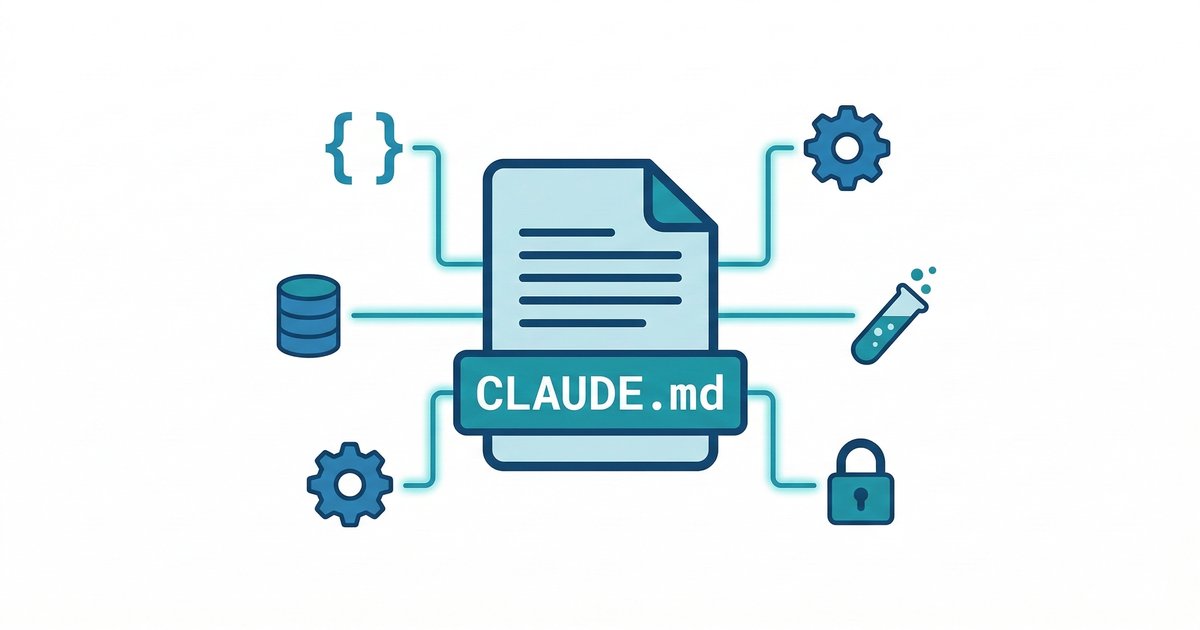
Claude Code reads a file called CLAUDE.md from your project root every time it starts a conversation. Think of it as an onboarding document for a new team member, except this team member has perfect recall and follows instructions to the letter.
My workspace CLAUDE.md is around 300 lines. It covers:
- Project structure — what lives where, how repos are organised
- Tech stack — Java 21, Spring Boot 3, Gradle, PostgreSQL
- Naming conventions — PascalCase for classes, camelCase for methods, snake_case for database columns
- Testing practices — JUnit 5, Testcontainers,
shouldBehaviour_whenConditionnaming - Deployment pipeline — Docker, GitHub Actions, Coolify
- Security rules — never commit secrets, always use SOPS encryption
- Verification requirements — compile before finishing, run tests, check for problems
The key insight is that this isn’t just documentation for the AI. It’s documentation for me and anyone who joins the project. The AI just happens to be the most diligent reader.
Each project also gets its own CLAUDE.md that overrides or extends the workspace one. So when I’m working on a frontend project, it knows to use TypeScript and Next.js. When I’m on a backend service, it knows the Spring Boot patterns. The AI adapts to the context automatically.
Teaching It Your Patterns
Here’s where it gets interesting. The CLAUDE.md has a section called “Continuous Improvement” that tells the AI to watch for patterns I follow that aren’t documented yet. When it notices something — like how I structure API responses, or how I name branches — it suggests adding it to the documentation.
This creates a feedback loop: I work, the AI observes, it proposes documentation, I review and approve. Over time, the CLAUDE.md becomes a comprehensive guide that captures how I actually work, not how I think I work.
For example, I never explicitly wrote down that I prefer npm install over npm ci in Dockerfiles, or that empty public/ directories need .gitkeep files. Those are things that came up during real work, caused issues, and got documented so they never bite me again.
Skills: Reusable Workflows
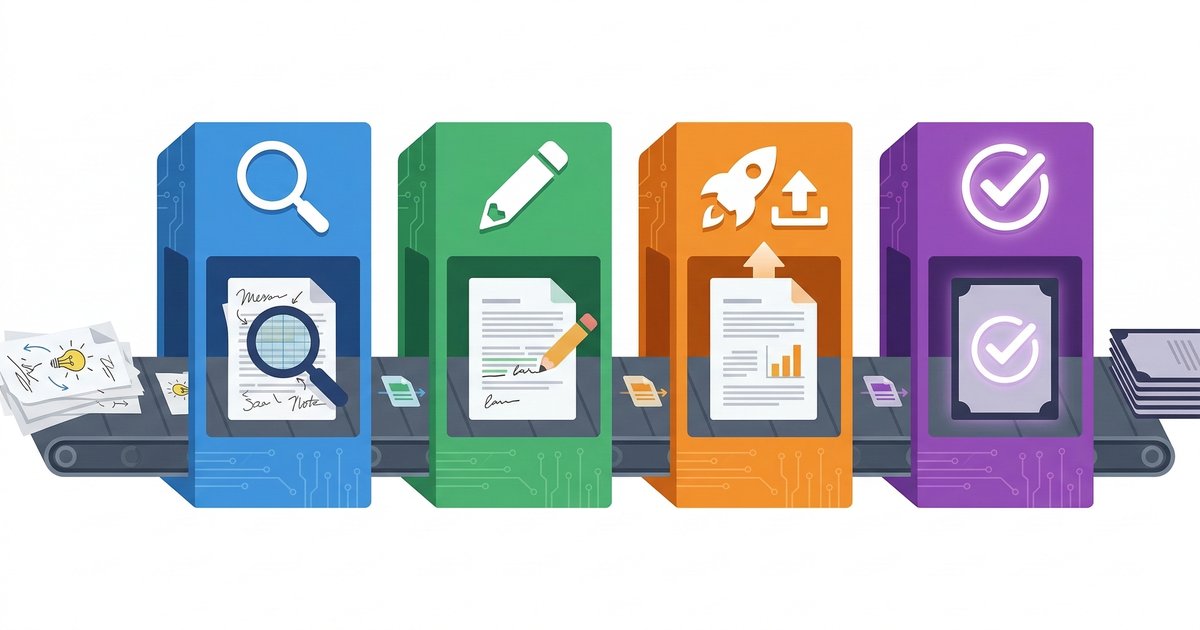
Some tasks are too complex for a simple instruction in CLAUDE.md. Publishing a blog post, for instance, involves multiple steps: discuss the topic, write content, generate images, upload via REST API, convert markdown to HTML, create a draft, review, publish, sync back, and commit. That’s a lot of steps that need to happen in a specific order.
For these, I create skills — structured workflow documents that the AI follows step by step. A skill is basically a detailed playbook stored in a .claude/skills/ directory with its own reference files.
My blog posting skill has four phases: Discovery (ask me about the topic, audience, length), Content Creation (write the post, suggest images), Upload & Publish (handle the WordPress API), and Sync & Commit (update local files, git commit). Each phase has clear inputs and outputs.
The beauty is that once you create a skill, you never have to explain the workflow again. You just say “new blog post” and the AI walks you through the entire process. It knows the API endpoints, the image dimensions, the content style, the folder structure. It’s like having a documented standard operating procedure that executes itself.
Memory: Cross-Session Learning
Claude Code has a memory system — a directory where it persists notes across conversations. This is different from CLAUDE.md because it’s things the AI learns on its own rather than things I explicitly write.
The memory file captures stable patterns confirmed across multiple interactions: architectural decisions, deployment quirks, user preferences, solutions to recurring problems. Things like “this user’s domain registrar is IONOS” or “always use the --private flag when creating repos” or “never run write commands on the NAS without asking first.”
What makes this powerful is that corrections propagate. If the AI makes a wrong assumption and I correct it, it updates the memory so the same mistake doesn’t repeat. It’s like having a colleague who actually writes things down when you tell them something.
Documentation as a Side Effect
One pattern I didn’t expect was how much better my project documentation got. When the AI needs to understand how something works, it forces me to articulate it clearly. And since that articulation lives in CLAUDE.md or docs/, it benefits future me and future team members too.
Every project now has:
- A
CLAUDE.mdwith structure, conventions, and workflow - A
docs/folder with detailed guides - A
docs/roadmap.mdtracking what’s done and what’s next
The AI doesn’t just consume this documentation — it helps maintain it. After completing a feature, it updates the roadmap. When it encounters a gap, it suggests a doc addition. The documentation stays alive because there’s always someone (something?) keeping it current.
The “Workspace Check” Pattern
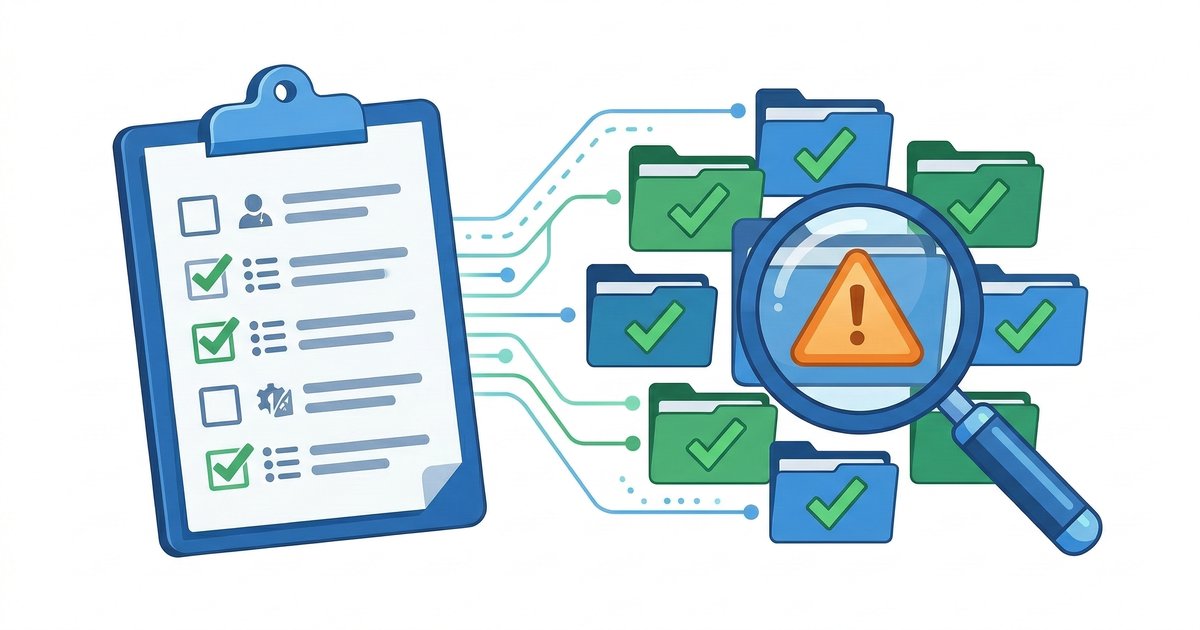
Once your AI knows your conventions, you can have it audit your projects for consistency. I run periodic workspace checks where the AI scans every project for:
- Registry consistency — is the project listed in all the right places?
- Infrastructure compliance — does it have health endpoints, CI/CD, monitoring?
- Secrets integrity — are encrypted files in sync with plaintext?
- Documentation accuracy — does the readme match reality?
This catches drift that would normally go unnoticed until something breaks. The AI acts as a quality gate, comparing every project against the standards defined in the shared documentation.
Real-World Results
After a few weeks of this approach, the difference is night and day. Here’s what changed:
Less repetition. I stopped explaining the same things over and over. The AI knows my stack, my conventions, and my preferences from the first message.
Fewer mistakes. Conventions that used to slip through — wrong naming, missing tests, uncommitted secrets — now get caught because the AI checks for them.
Faster onboarding of new projects. Creating a new project used to mean setting up everything from scratch. Now there’s a checklist in CLAUDE.md that covers repo creation, deployment, monitoring, secrets, and docs. Nothing gets missed.
Better documentation. My projects are better documented than they’ve ever been, and the documentation actually stays up to date.
Compounding knowledge. Every problem solved gets captured. Every convention discovered gets documented. Every workflow automated gets turned into a skill. The system gets smarter over time, and it doesn’t forget.
Tips If You Want to Try This
- Start with CLAUDE.md. Even a 20-line file with your tech stack and naming conventions makes a huge difference. Add to it as things come up.
- Document decisions, not just facts. Don’t just write “we use PostgreSQL” — write “we use PostgreSQL 17, one database per service, snake_case for columns, Flyway for migrations.” The specificity is what prevents the AI from making wrong assumptions.
- Let the AI propose improvements. Tell it to flag patterns that aren’t documented. You’ll be surprised how many implicit conventions you have.
- Create skills for repeated workflows. If you explain a process more than twice, turn it into a skill. The upfront investment pays off every time you run it.
- Review and correct aggressively. The AI will make mistakes. When it does, don’t just fix the output — fix the source. Update
CLAUDE.md, correct the memory. That’s how it learns.
- Treat the AI like a team member, not a tool. Onboard it properly. Give it context. Set expectations. The more you invest in the relationship, the more you get back.
Wrapping Up
The AI assistant hype focuses on what models can do out of the box. But the real leverage isn’t in the model — it’s in the context you feed it. A well-informed AI with clear instructions will outperform a smarter model flying blind every single time.
I’m not writing prompts anymore. I’m writing documentation, creating skills, and building a knowledge base that makes every interaction better than the last. And honestly? My projects have never been more organised.
If you’re still copy-pasting context into every chat, stop. Invest an afternoon in setting up proper documentation. Your future self — and your AI — will thank you.
Leave a Reply