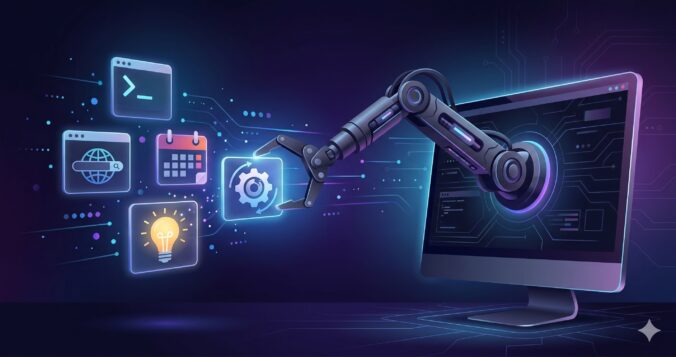
Until recently, AI was stuck in a box. You’d open ChatGPT or Gemini, type a question, get an answer, and that was it. The model couldn’t touch your files, couldn’t run a command, couldn’t check your calendar. It just talked. That era is over. AI agents can now edit code, browse the web, SSH into servers, control smart home devices, and chain dozens of steps together without you lifting a finger. Here’s how it all works.
The Shift: From Text to Action
The traditional AI experience was a chat window. You write, it replies. The model lived inside a sandbox with no way out. It couldn’t read what was on your screen, couldn’t open a file, couldn’t do anything except produce text.
The first crack in that box came with code editors. Tools like Cursor and Windsurf added AI sidebars that could read your project files, suggest edits, and apply them directly. It sounds small, but the difference is huge. The AI wasn’t just answering questions anymore. It was doing things.
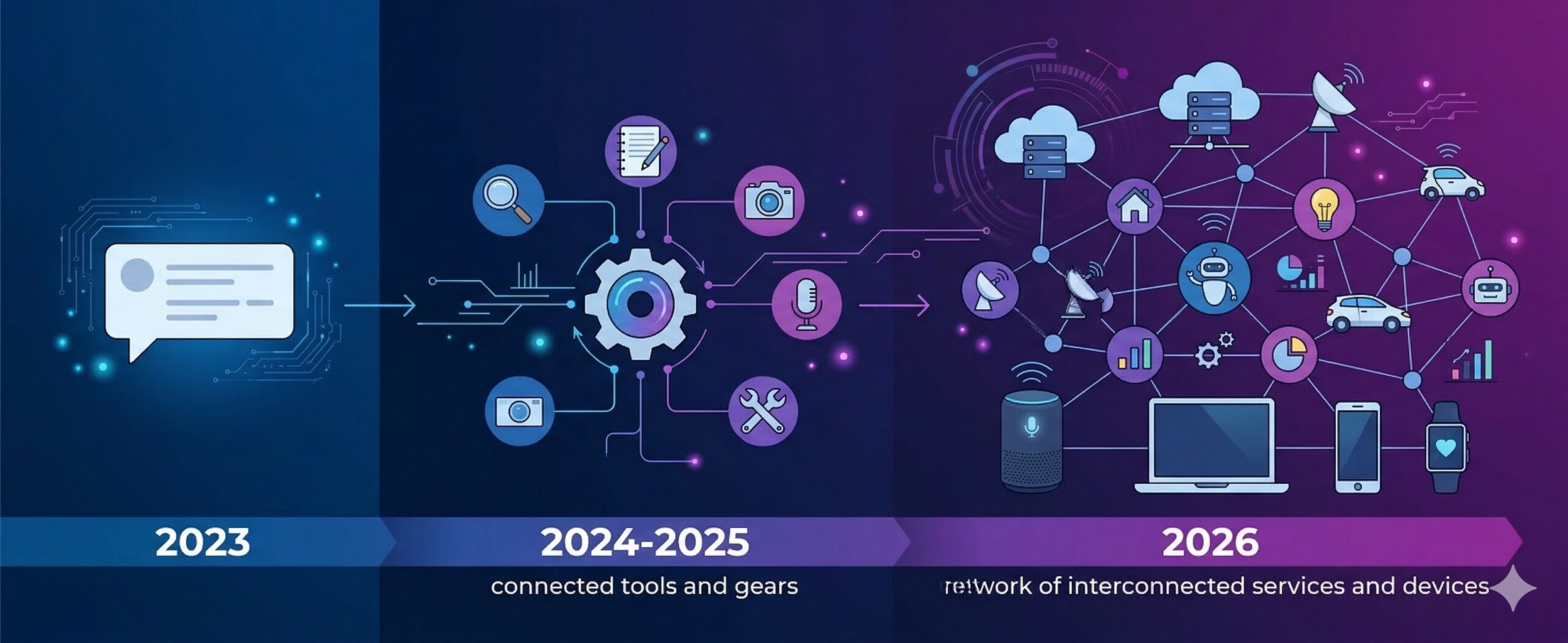
Then came terminal agents like Claude Code, which runs in your shell and can execute commands, navigate your filesystem, create files, and run tests. Browser agents followed, with the ability to click buttons, fill forms, and navigate websites. And projects like OpenClaw (247k GitHub stars and counting) took it further by connecting AI to WhatsApp, Telegram, email, smart home devices, and basically anything with an API.
How Tool Use Actually Works
There’s no magic here. It’s structured prompting.
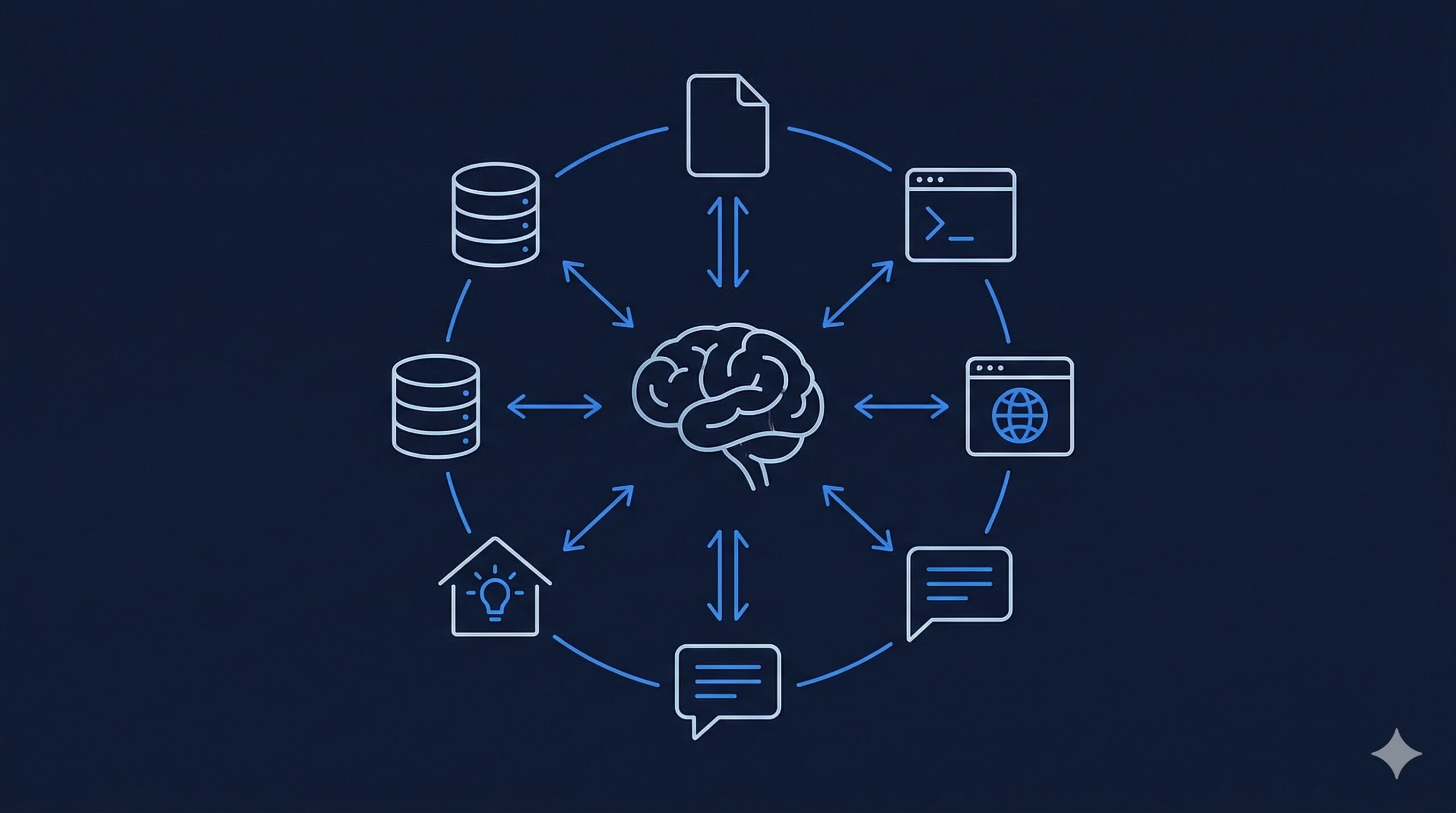
When you talk to a chatbot, your message doesn’t go to the model alone. It gets wrapped in a system prompt — a chunk of text that tells the model who it is, how to behave, and what it can do. You never see this text, but it’s always there. It includes the full conversation history (the model has no memory between messages — everything gets re-sent every time) and a list of available tools.
Each tool is described in a simple format: here’s the name, here’s what it does, here are the parameters. Something like:
{
  "name": "read_file",
  "description": "Read the contents of a file at the given path",
  "parameters": {
    "path": { "type": "string", "description": "Absolute file path" }
  }
}
When the model decides it needs to use a tool, it doesn’t just say so in plain English. It outputs a structured message in a specific format that the host application can parse. The host then executes the tool (reads the file, runs the command, whatever), feeds the result back to the model, and the model continues its work.
This creates a loop: the model thinks, calls a tool, gets a result, thinks again, calls another tool, and so on. A single user message can trigger dozens of these cycles. The model might read a file, find an error, edit the code, run the tests, see them fail, fix the issue, run the tests again — all in one go.
MCP: One Protocol, Every Tool
Early on, every application implemented tool use differently. Cursor had its own way, Claude Code had another, and if you wanted to connect AI to a new service, you had to write custom integration code for each platform.
Model Context Protocol (MCP) fixed that. Anthropic released it as an open standard in November 2024, and it caught on fast. Think of it as USB-C for AI tools — a single connector that works everywhere.
MCP defines a standard way for AI applications to discover and use tools. You write an MCP server once (say, a GitHub integration), and any MCP-compatible client can use it — Claude Code, OpenClaw, Cursor, or whatever comes next.
The adoption timeline tells the story:
- November 2024 — Anthropic releases MCP as an open standard
- March 2025 — OpenAI adopts MCP across ChatGPT desktop
- April 2025 — Google confirms MCP support for Gemini
- December 2025 — MCP is donated to the Linux Foundation under the Agentic AI Foundation, co-founded by Anthropic, Block, and OpenAI
When three companies that compete fiercely on everything else agree to use the same protocol, you know it matters.
What Agents Can Do Right Now
The range is already pretty wild:
Code agents like Claude Code and Cursor can write features from a description, fix bugs by reading error logs, refactor entire modules, and run tests to verify their own work. I use Claude Code daily, and it regularly chains 10-15 tool calls to complete a single task — reading files, writing code, running the build, checking for errors, fixing them, and committing.
Personal agents like OpenClaw connect to your messaging apps and work as always-on assistants. Peter Steinberger, who created OpenClaw after a €100M exit from PSPDFKit, built it as a weekend project to organize his life. It blew up. He was hired by OpenAI in February 2026 to lead their personal agent efforts, with Meta also bidding. The project moved to an open-source foundation.
What makes OpenClaw interesting is that it has no built-in AI. It’s a connector. You point it at whatever model you want — Claude, GPT, Gemini, DeepSeek, or a local one — and it handles the rest: memory, personality, tool orchestration, and chat interfaces. People run it on Mac Minis as always-on home servers.
Browser agents can navigate websites, fill out forms, make purchases, and extract data. OpenAI and Perplexity both shipped AI-powered browsers that let the model take control of your browsing session when you ask.
The Catch
Here’s the part nobody wants to talk about enough: giving an AI agent access to your system is giving it the keys to your house.
A YouTuber recently gave OpenClaw full access to an Nvidia DGX Spark (a $4,000 AI workstation) and asked it to install a local model. The agent installed the model as a system service that started on boot. Problem: the model needed 130GB of RAM, but the machine only had 128GB. Every time the machine booted, the model filled all the memory, the OS froze, and the machine became a brick. No SSH, no display, nothing. It took a second AI agent running on a different machine to SSH in during a 10-second window when the process crashed, kill it repeatedly, and disable the service.
That’s a dramatic example, but the everyday risks are just as real. An agent with access to your email could send the wrong attachment to a client. One connected to your codebase could introduce a security vulnerability. One with SSH access could misconfigure a production server.
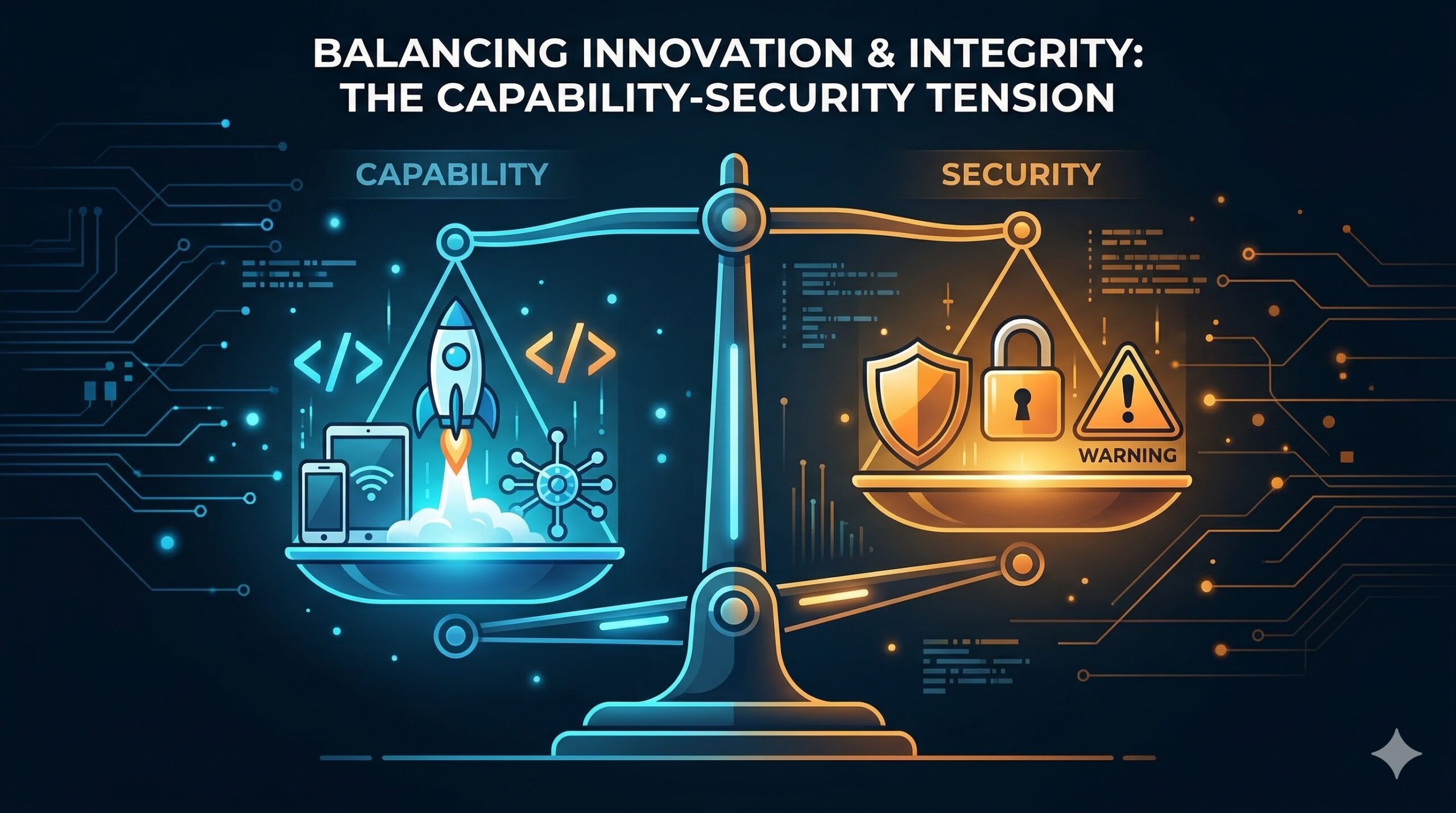
The hard problem in agentic AI isn’t making the agent smarter. It’s permission management. How much access do you give it? What can it do without asking? What requires your approval? There’s no good standard answer yet.
Where This Goes
We’re clearly at the beginning of something big, but the foundation pieces are already in place. MCP gives us a universal tool protocol. Models are getting better at reasoning through multi-step tasks. And the ecosystem of integrations keeps growing.
The tension I keep coming back to is control. Running models locally means privacy and independence, but local models are still far behind the frontier ones from OpenAI, Anthropic, and Google. The servers running those frontier models are on a completely different scale from anything you can put on your desk. So for now, the most capable agents depend on cloud services, and that means trusting companies with your data, your workflows, and increasingly your decision-making.
That trade-off will shrink over time as hardware catches up and models get smaller without losing capability. But right now, if you want an AI agent that’s genuinely useful, you’re sending your data somewhere else. Worth knowing before you hand it your email password.
Leave a Reply